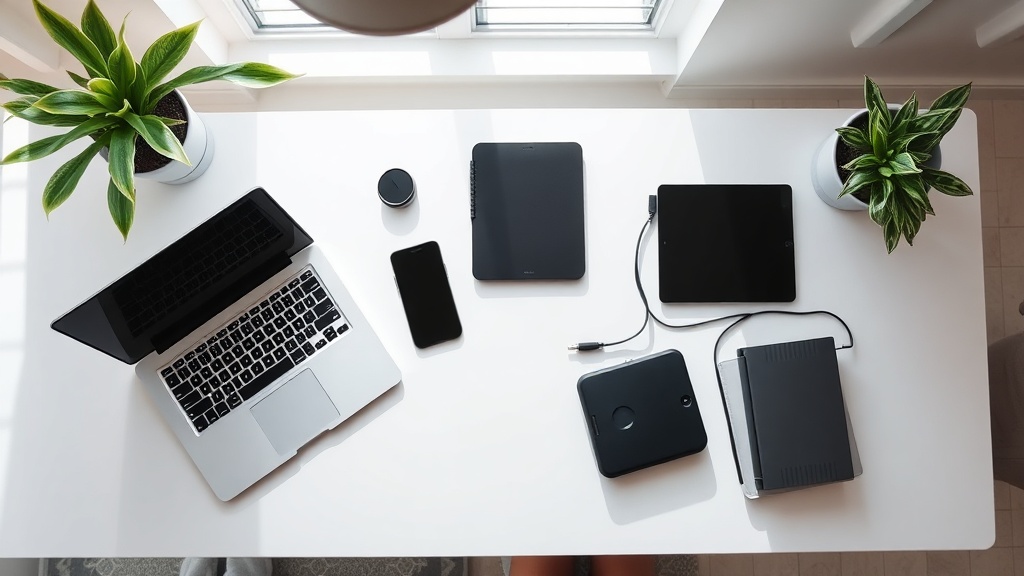
Spring Digital Declutter: 5 Steps to Optimize Devices and Data

Hook – Your phone buzzes, your laptop chokes on 10 GB of forgotten files, and the endless stream of app notifications feels like a mental traffic jam. It’s spring – the perfect excuse to clear the physical clutter, so why not extend that reset to your digital life?
Context – Female founders know that operational efficiency starts with the basics: a clean inbox, an organized file system, and devices that run like well‑tuned machines. A recent New York Times feature highlighted a surge in “digital‑wellness” searches, proving the timing is right. Let’s turn that momentum into measurable productivity gains.
Why should you declutter your digital life this spring?
Spring isn’t just about fresh air; it’s a psychological cue for renewal. Research from Pew Research Center shows that 68 % of adults feel “overwhelmed” by digital clutter, which correlates with lower self‑reported productivity. By trimming the excess, you reduce cognitive load and free up bandwidth for high‑impact decisions.
How do you audit and prune unused apps?
- Run an app inventory – On iOS, go to Settings → General → iPhone Storage; on Android, use Settings → Apps → See all apps. List every app you haven’t opened in the last 90 days.
- Apply the 80/20 rule – If an app accounts for less than 5 % of your usage but takes up space, delete it. Remember, every app you keep is a potential distraction.
- Replace with purpose‑built tools – Consolidate multiple niche apps into a single, robust platform (e.g., use Notion for notes, tasks, and knowledge bases). This mirrors the Spring Cleaning Your SaaS Stack approach of cutting tool waste.
“If you can’t justify the app’s ROI in a single sentence, it doesn’t belong on your device.” — Sloane St. James
What’s the best way to organize photos and files?
- Create a dated folder hierarchy – Year → Quarter → Project. For photos, add a “Personal” vs “Professional” top‑level folder.
- Leverage AI‑powered tagging – Services like Google Photos or Apple’s Live Albums auto‑tag faces and locations, cutting manual effort.
- Archive, don’t delete – Move older, rarely accessed files to an external SSD or cloud archive (e.g., Backblaze). This keeps your primary drive lean while preserving data for compliance.
How can you set boundaries to prevent digital overload?
- Schedule “offline windows” – Block two 30‑minute periods each day where no screens are allowed. Align this with daylight‑saving shifts to reclaim morning focus, as we advised in Daylight Saving Time: Optimize Your Morning Routine.
- Turn off non‑essential notifications – Disable push alerts for social apps; keep only calendar, messaging, and critical alerts.
- Adopt “digital minimalism” – Cal Newport’s framework recommends a quarterly audit of all digital tools. Read his Digital Minimalism guide for deeper insight.
What tools can help maintain a lean digital environment?
| Category | Recommended Tool | Why it works |
|---|---|---|
| File sync & backup | Backblaze – Unlimited cloud backup, set‑and‑forget | |
| App management | AppCleaner (Mac) / CCleaner (Windows) – Uninstall leftovers cleanly | |
| Photo organization | Google Photos – AI tagging, limited free storage | |
| Focus & distraction | Freedom – Blocks sites/apps on schedule | |
| Task consolidation | Notion – One workspace for notes, tasks, and docs |
Takeaway
Spring is your cue to hit reset on the digital side of your business. Conduct a rapid app audit, reorganize files with a clear hierarchy, and install hard boundaries around screen time. The result? A leaner tech stack, sharper focus, and more bandwidth to drive the high‑leverage decisions that grow your company.
Related Reading
- Spring Cleaning Your Digital Life: A Step‑by‑Step Guide to Declutter Apps, Subscriptions, and Data – Our earlier deep dive on subscription management.
- Spring Cleaning Your SaaS Stack: How to Audit Tools and Cut Waste – Parallel principles for enterprise‑level tool audits.
- Daylight Saving Time: Optimize Your Morning Routine – Align your new digital habits with seasonal schedule changes.
Steps
- 1
Run an app inventory
List every app you haven’t opened in the last 90 days using device settings.
- 2
Apply the 80/20 rule
Delete apps that account for less than 5% of usage but take up space.
- 3
Replace with purpose-built tools
Consolidate niche apps into a single platform like Notion.